

Product Description
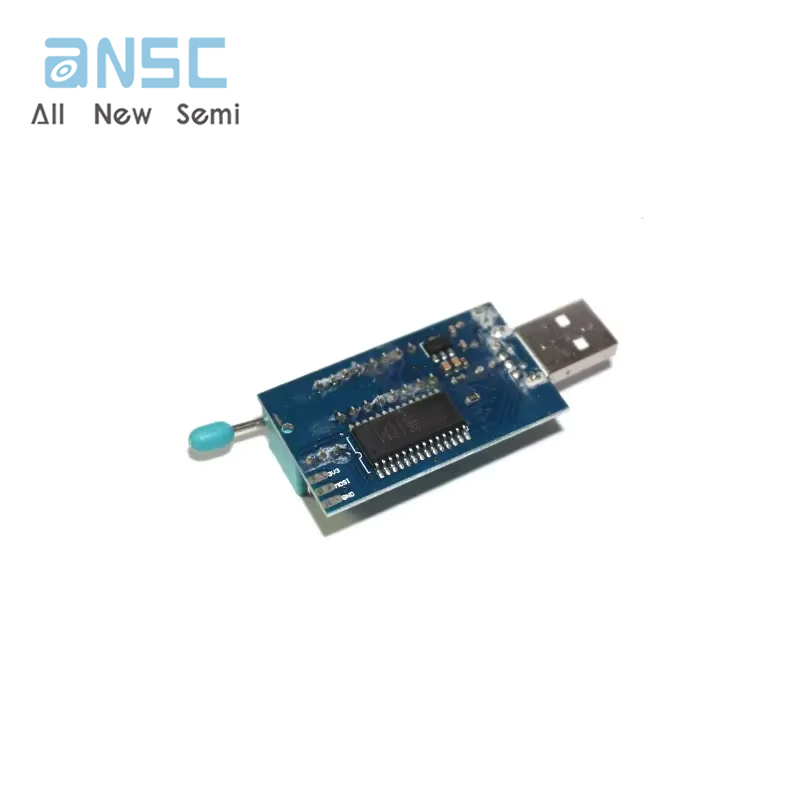
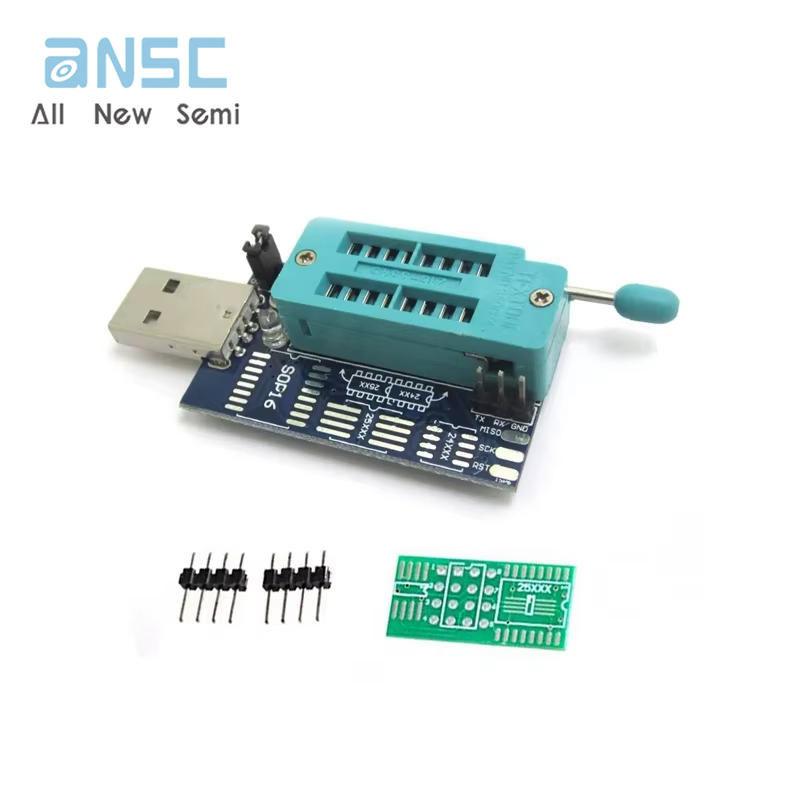
| Download the 24/25 Series Flash Programmer software data package: http://pan.baidu.com/s/1gdswX15 Perfectly supports the 16-pin 25L6405 and routers such as the 25L6445, 25Q64, MX25L12805, and W25Q128. It can unlock, back up, erase, burn, and verify software for various color TV memory (24 series ICs), LCDs (24 and 25 series ICs), desktop motherboards (25 series ICs), laptops (25 series ICs), routers (25 series ICs), graphics cards (25 series ICs), DVD players (25 series ICs), and set-top boxes (25 series ICs). 24 and 25 Series Flash Programmer Description Overview: Currently, 24 and 25 series Flash are very popular. Currently, only professional programmers can program these chips, but these are expensive and out of reach for the average repair user. Therefore, we've developed a programmer that supports 24-series EEPROMs as well as 8-pin 25-series chips from manufacturers such as ST, WINB IND, AMIC, MXIC, SST, SPANSION, EON, and PMC. Features of this programmer: 1. Utilizes the specialized CH341A USB chip. USB 1.1 communication is supported. Programming speeds are 2-3 times faster than standard ATMEGA8-based 25-series programmers. Erase, program, and verify speeds are approximately 2-3 Mbits per minute. Ideal for amateur programmers. 2. Supports Windows 98, Windows ME, Windows 2K, Windows XP, Vista, and Windows 7 (32-bit). 3. Powered by a USB port, the power output has a 500mA fuse (for models with a fuse), effectively preventing external short circuits from affecting the motherboard (preventing burns). The target board can also be powered by both the USB port and the power supply. 1: Plug the programmer into a computer USB port and open the programming software in the "USB Port 24-25 Series Programmer" or "New Version 32M+USB Port 24-25 Series Programmer." Select the chip capacity and start programming and erasing the chip. Online Download (USB to Serial, disconnect the P/S jumper). 2: Plug the programmer into a computer USB port and connect the TX pin on the programmer to the RX pin on the Zhongjiu, the RX pin to the TX pin on the Zhongjiu, and the GND pin to the GND pin on the Zhongjiu. Driver Installation Select the corresponding COM port and open the download software for the corresponding platform to upgrade your Zhongjiu machine online. 1: Install the parallel port driver (used for programming the 24 and 25 series FLASH). Close the P/S jumper on the PCB board. For detailed installation steps, see the instructions in the "CH341A Parallel Port Driver and Installation Instructions - TB" folder. 2: Install the serial port driver (USB to serial, for models like Zhongjiu that support online serial port downloads). Remove the P/S jumper cap on the PCB. For detailed installation steps, see the instructions in the "CH341A Serial Port Driver and Installation Instructions - TB" folder. Programming 24 Series Chips (P/S Jumper Closed) Plug the programmer into a USB port on your computer and open the programming software in the "USB Port 24-25 Series Programmer" or "New Version 32M+USB Port 24-25 Series Programmer." Select the chip capacity and start programming. Programming 25 Series Chips (P/S Jumper Closed) 6. Reading a 25X80 Series 8M chip takes only 9 seconds. 25X80 erases, checks, programs, and verifies in just 1 minute and 6 seconds. |
Product Photos